Portal Website Addresses
Access to the sites can be found at the url with the formats below. Replace the XXX with your 3 letters country code used by the IOC & CGF.
NOCs: nocXXXweb.amo-sport.com
CGAs: cgaXXXweb.amo-sport.com
NPCs: npcXXXweb.amo-sport.com
UNIs: uniXXXweb.amo-sport.com
CGF: cgfweb.amo-sport.com
ZCC: canadacombinedweb.amo-sport.com
Once you reach the login page of the portal, team members will access the site with a username and password that will have been sent to them by your organisations system administrator – click here for instructions on how to send out access emails. They also have the new option of signing in using social media. Logging in through social media is only possible if the email on their social media account exactly matches the one in Zeus.
Login Options
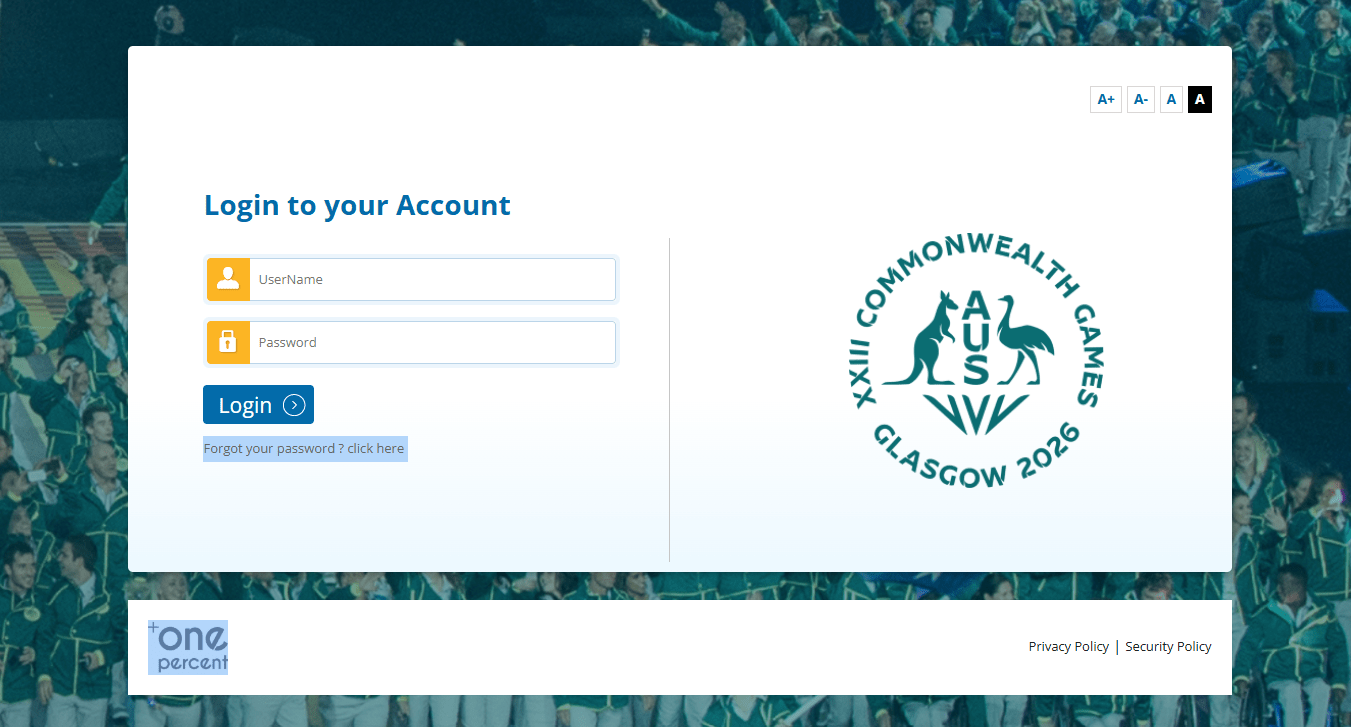
Team Members with receive an email that gives them access to the portal.
- User Name & Password: Click on the website URL and then enter the user name and password provided in the email
- Social Media: Click on the link and allow access to your social media account
Selecting Your Games
How to Navigate to Current and Past Games?
1. After you login the system will open the “current” Games, if you have multiple current Games it will make you select the Games you want to enter.
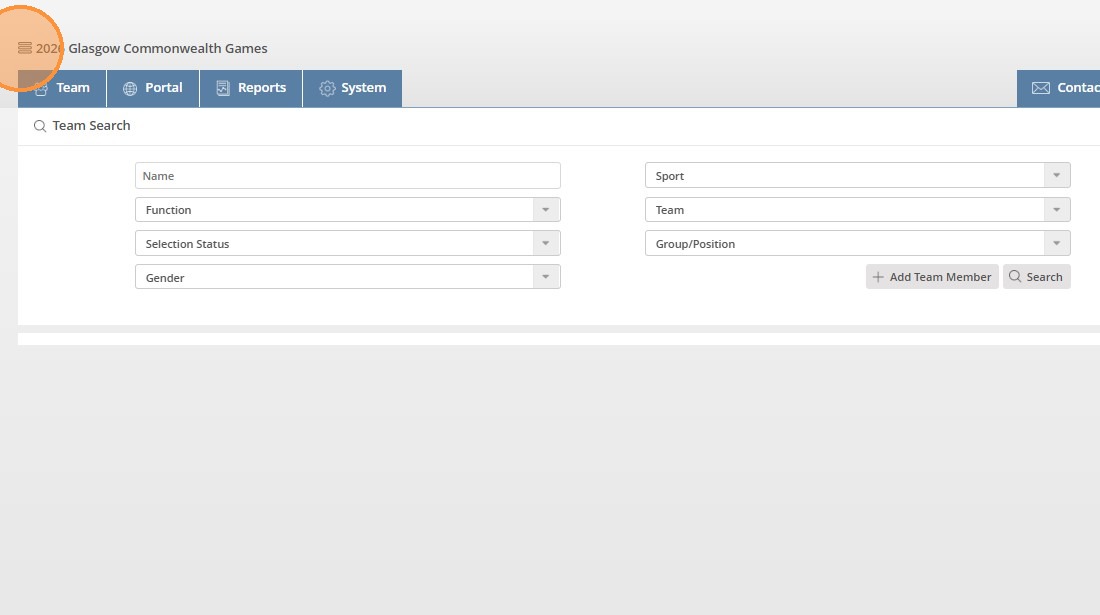
2. To access all of the Games you have access to, click the hamburger menu in the top left corner.
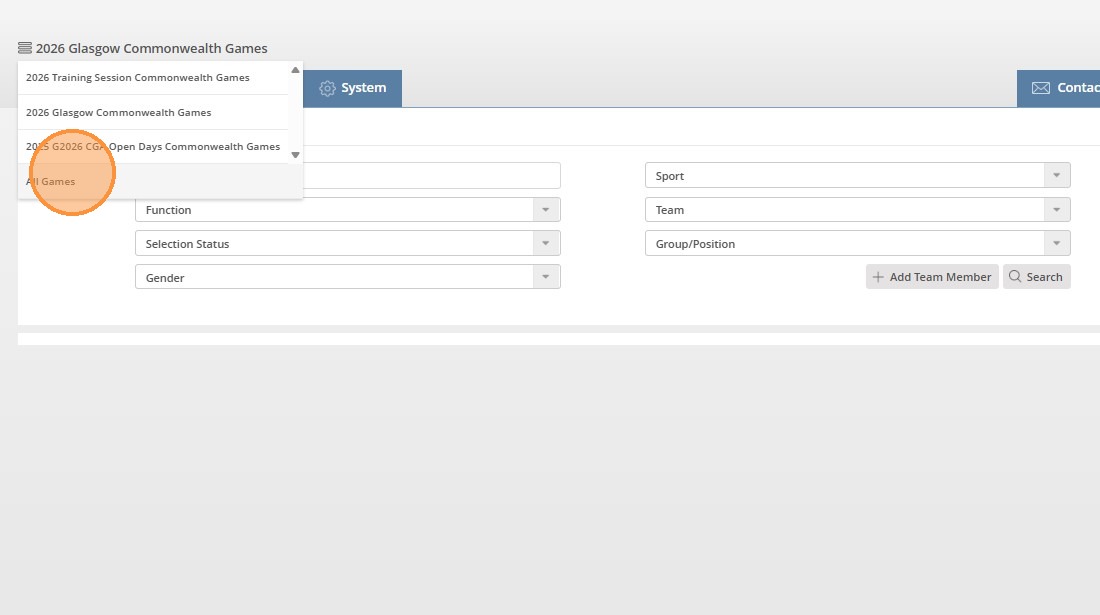
3. Click “All Games”
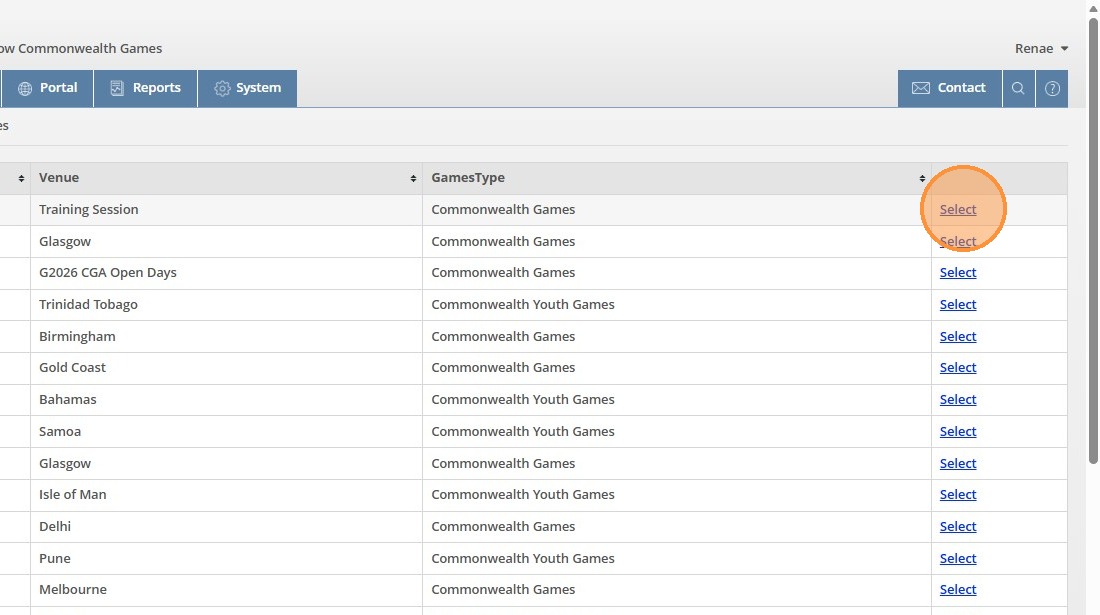
4. To open a specific Games, click “Select”.
You will only see the Games you have been given access to in the system.
Forgotten Password
- On the log in page click the ‘Forgotten Your Password’ link
- Enter the ‘Email Address’ that is used in Zeus
- Press ‘OK’
An email with your user name and password will be sent to your email address.
 International Zone